
Genesee VINELink Participation
MI-VINE is Michigan's free, confidential victim notification service. Genesee County joined in June 2016, per the county's own announcement. Access comes online, by phone, or through electronic notices. Only the live interface can say whether a specific record is present. Participation has limits. A result reflects whatever the custodian feeds the system. Flint City Lockup also books people in Genesee County. Booking locations change. A missing record can simply mean the person is held somewhere else. The official Michigan source spells out county-jail participation and how registration works.
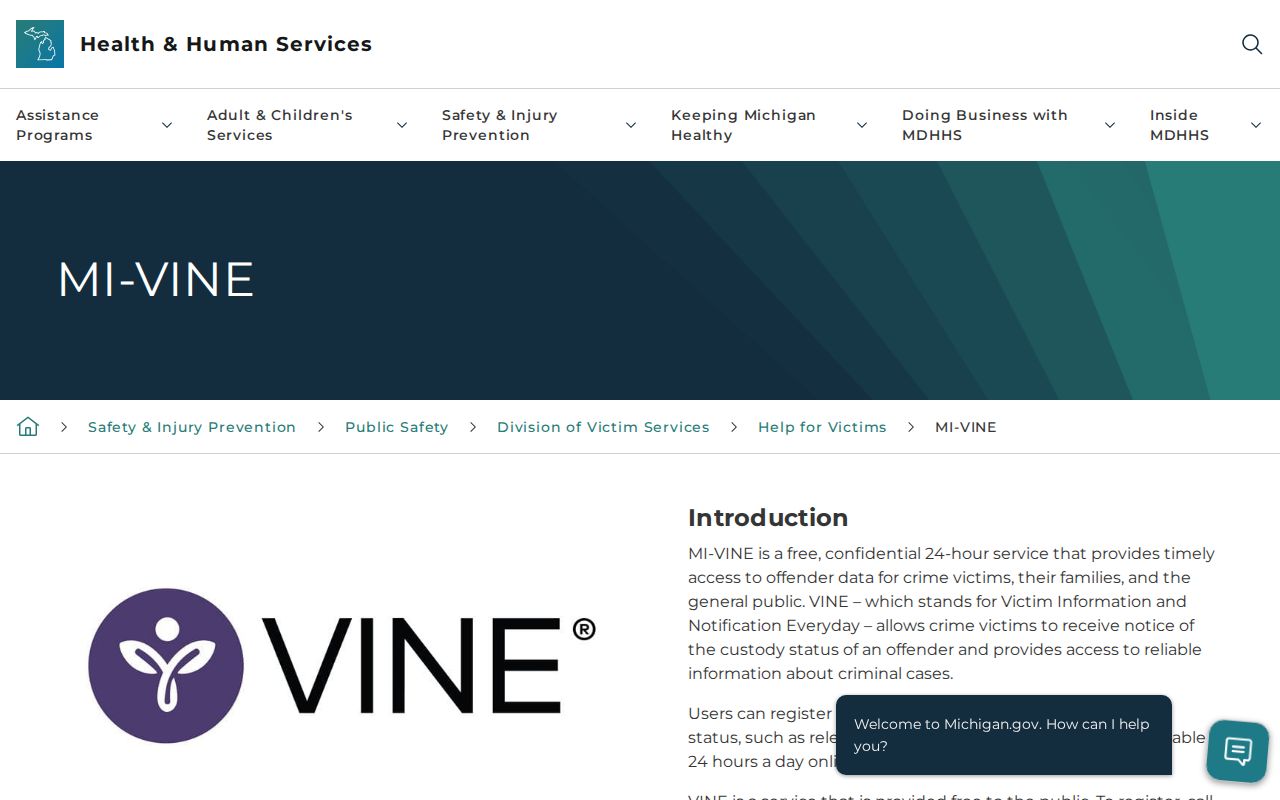
The capture shows the state service context, not a person’s private search result.
Run a Genesee VINELink Check
Enter exact spellings when you search. A near-match name can hide the right result, so double-check details before you conclude someone is not in custody.
- Open VINELink and select Michigan.
- Choose the custody or court search offered by the interface.
- Enter the person’s name and, when known, an offender, booking, or case number.
- Compare possible matches without relying on the name alone.
- Open the matching record and note the status, location, event, and time checked.
- Call GCSO inmate information at 810-257-3426 if the result is unclear or urgent.
The official landing screen begins with state selection.
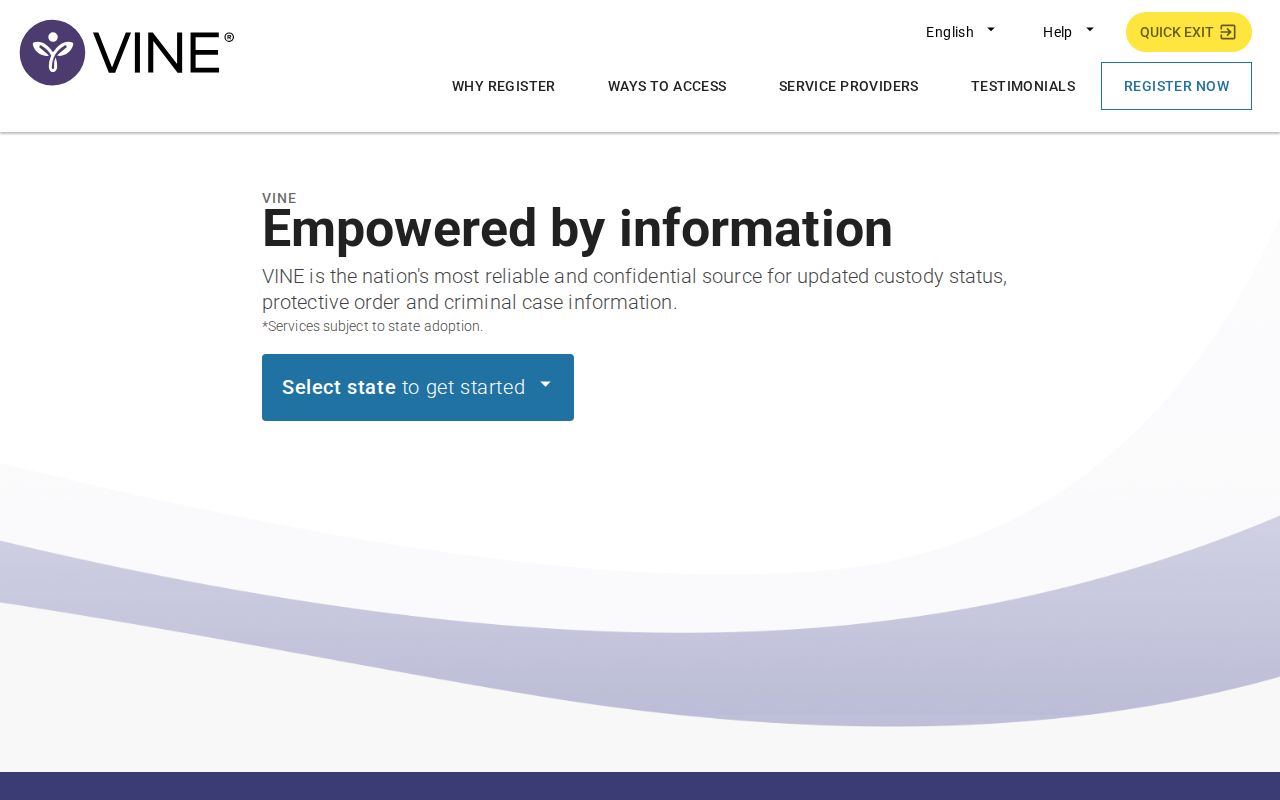
Pick Michigan during the lookup. That keeps the search inside MI-VINE rather than another state's system, and the Michigan county flow also appears on the VINELink map search.

This interface supports a named-person search, not browsing a gallery.
Genesee VINELink Result Fields
Fields shift with what the system sends. Read any result as a current status aid, then verify the key facts straight with the custodian.
| Possible result | What it means |
|---|---|
| Name and identifier | Tools for distinguishing possible matches. |
| Custody status | The state reported at the time of the data update. |
| Facility or location | Where the participating system places the person. |
| Custody event | Release, transfer, escape, or another supplied event. |
| Court event | A hearing, case status, or disposition where provided. |
| Notification option | A route to register a phone, email, or text destination. |
Do not expect a booking photograph here. A full arrest narrative or complete charge history is out of scope too. For arraignment details, the court file is the place to look.
Register Genesee Custody Alerts
Registration lets alerts do the work. Michigan materials list phone, email, and text as the delivery options. Choose one you can check safely. Keep the registration details private.
- Open the matching custody record and choose notification registration.
- Select release, transfer, escape, or available court-event notices.
- Enter a phone number, email address, or text destination as prompted.
- For phone alerts, create a four-digit PIN.
- When an automated call arrives, listen and enter the PIN followed by the number sign.
- Update or cancel registration through the current service controls when needed.
The official brochure says a phone PIN confirms receipt and stops repeat calls. Email and text skip that PIN. The state VINE line is 1-800-770-7657. TTY service is 1-866-847-1298, and the VINELink registration source shows current contact choices and prompts.

The live form controls the options available for a given record.
Genesee Alert Events Explained
A release alert means the source reported a release. A transfer alert flags movement to another facility or custodian. An escape alert reports an escape event in the system. Court notices may cover a hearing, a status change, or a disposition. That applies when the data is supplied.
- Release
- A reported end to that custody episode, not a ruling on guilt.
- Transfer
- Movement between custodians or facilities.
- Disposition
- The court’s resolution of a charge or case.
- Custodian
- The agency or facility responsible for custody and its record.
Alerts are not a personal safety plan. Anyone in immediate danger should call 911, Michigan's official material says. Never lean on one automated message alone.
Match the Correct Genesee Person
One name can pull up several people. Compare every identifier the interface shows. A shared name alone proves nothing. When you already hold a booking or case number from an official record, search with that instead, since it is far more precise. Note the displayed facility and status before you register.
No match? Check the spelling, then ask the arresting agency where the booking happened. GCSO lists Genesee County Jail and Flint City Lockup as separate facilities. The person may have been released or moved. Calling inmate information beats tweaking search terms until something close appears.
A VINELink status only describes custody data supplied to the service. Charges can change, and the first booking entry may not match the final case. For what happened later, confirm through MiCOURT and the responsible clerk.
Genesee VINELink Search Limits
A missing result has many possible causes. Data may lag after intake, or the person may have been released or transferred. Spelling differences, another facility, a restricted matter, or a record outside VINE's scope can all hide an entry. The system is no historical arrest log. It is not a public mugshot service either.
Federal custody does not become a county-jail record here. Federal Bureau of Prisons, ICE, federal court, or U.S. Marshals channels may apply, depending on the custodian. MDOC OTIS is a separate system. It covers state prisoners, parolees, probationers, and certain recent discharges, so it should not be read as a current Genesee County booking.
Use Alerts With Direct Checks
Searching and registering are two different things in VINELink. A search tells you what the system knows at the moment you ask. Registration flips it around. The service agrees to push a notice to you when a status event happens later. Neither one creates the underlying data. That record comes from Genesee County or another participating custodian of the jail record.
Guard the four-digit phone PIN. It exists to acknowledge an automated call, not to identify anyone. Update your contact details whenever they change. A dead number or a filtered text can swallow an alert that was actually sent.
Read the alert types with care. Release and transfer are not the same thing. A transfer may simply move the person to continued custody at another facility. A court-event notice does not guarantee the person has left the jail. Before acting on any assumption, call the agency holding the record.
Some situations belong on separate channels. Immediate danger means 911. Routine custody questions go to the GCSO inmate line. Official documents, by contrast, must be requested from the custodian itself. That split keeps emergency response, current custody, and historical records in their proper lanes.
Confirm Genesee Custody Changes
One phone call settles most questions: 810-257-3426. The jail staff can say whether someone is still held in Genesee County Jail or Flint City Lockup, has been released, or moved. A booking record or photograph takes the county FOIA route. Case outcomes belong to MiCOURT and the proper 67th District or 7th Circuit Court.
Log your source and the time. Custody status can shift right after any lookup. Pair every alert with direct confirmation from the office that owns the record, and keep the alert's exact wording so a release is never mistaken for a transfer.
Search Custody Records
Verify any result with the participating custodian.
Sponsored Results